
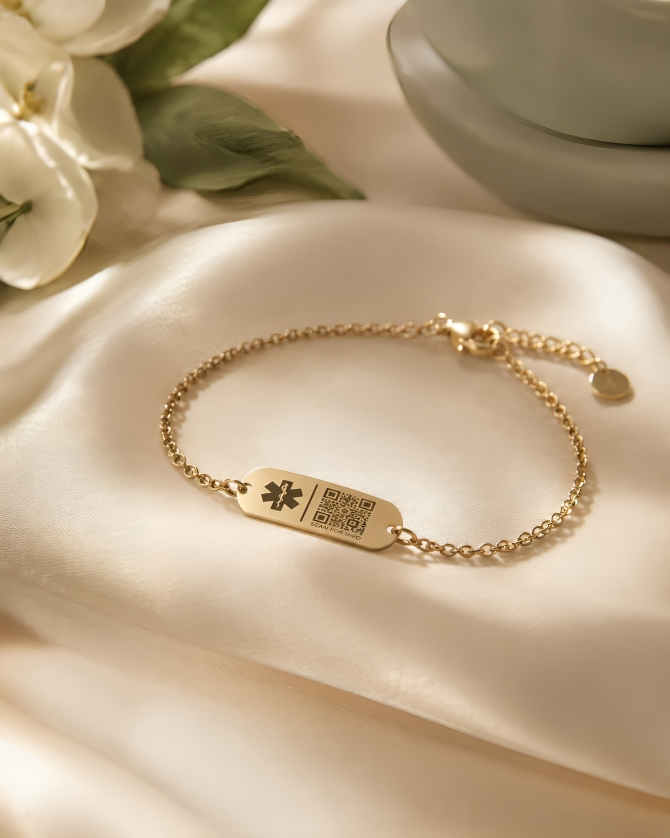
One secure Medical ID. Clear, trusted access in an emergency.
No app required to scan.
Works with any modern phone camera.
Your Medical ID.
Ready when it
matters.

From an app you had to
remember, to a scan that
never leaves you.
When you experience an emergency, delay can jeopardize your recovery and even life. Every second counts. As default iOS and Android medical IDs are now better at managing on-device profiles, the iMedAlert mobile app has retired. Its powerful alert capabilities have migrated into Med.tech — a Progressive Web App.
By moving to a universally scannable QR system, you get the same reliable SMS/email notifications and GPS broadcasts — instantly accessible without responders needing to install any software.
The mobile app
Retired — no installs, logins, or updates to maintain.
Med.tech PWA
One QR code, scanned by any modern phone camera. No friction.
Built by Divoti Inc. — the original developer of iMedAlert for MedicalQR.tech, and HRQR.tech.
Redundant databases keep your medical profile safe and always retrievable.
Top-tier communication partners ensure your emergency alerts go out the moment they are needed.
Built by Divoti Inc. — the original developer of iMedAlert, HRQR, and MedicalQR.tech.
A heritage of reliability
Fail-safe data storage
Seamless alert delivery
A heritage of reliability
A calm, clear chain of action — designed to make critical information available without creating friction for the person helping you. The emergency flow records the scan event, requests optional location access, and continues reliably even if location permission is denied.
From QR scan to emergency contact
in seconds
Create your Medical ID
Add the details that could help someone respond with confidence.
Add trusted contacts
Choose family, friends, or caregivers and set access for each.
Wear your unique QR accessories
Use your medical QR card, keychain, tag or wearable.
In an emergency, your QR is scanned
Any modern phone camera opens your emergency page instantly.
Contacts receive the alert
Configured contacts receive immediate SMS and email notifications.
Approved details are available
The right information appears based strictly on your privacy choices.
One connected response — combining the proven alerting power of iMedAlert with modern,
granular privacy frameworks. Access is based entirely on the permissions you set in your central dashboard.
Different contacts can receive different information. Trusted recipients can
receive either your Comprehensive Profile — care directives, insurance,
detailed medical history — or a Limited Profile focusing only on immediately
useful emergency data like severe allergies and blood type.
Each predefined contact can be configured with their own notification
preferences. Industry-leading delivery networks ensure that distress signals
reach your contacts immediately when your QR code is scanned.
You stay in control
Recipient-Specific Access
SMS + Email Alerts
If you are unable to communicate, the web application requests
location access from the scanner’s device, appending GPS
coordinates to the SMS and email alerts sent to your family.
The web application functions seamlessly across all modern
devices. Continuously update your medical details and export
your medical profile for personal records or offline use.
Location Broadcasting
PWA Ready & Exportable
Great protection comes in pairs: Cloud-based medicalQR.tech + your phone's local Medical ID.
Double your safety: Watch our quick video to set up your phone's built-in Medical ID.
Android setup
Watch the video guide
Apple iOS setup
Watch the video guide
Visit MedicalQR.tech to configure your
privacy-first profile today.
Ready to create your Medical ID?